Tag: images

  • A Photo Remembered

    A Photo Remembered

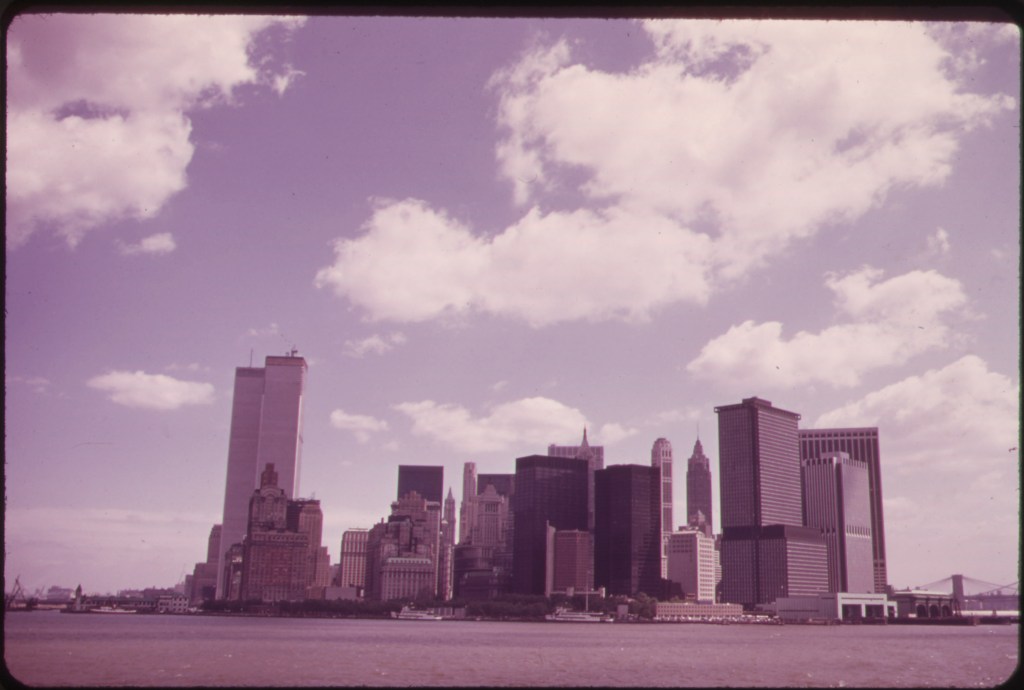
    Manhattan Skyline from the Staten Island Ferry 05/1973 from the US National Archives via Flickr’s The Commons no copyright restrictions.

    ~The following was inspired by watching the 2006 documentary The Falling Man.  A link to it is below, it deals directly with the victims of 9/11 those who fell and/or jumped from the towers.  If such things are too disturbing for you I recommend you don’t read further and you don’t watch the documentary. ~

    (more…)

  • Join Me At My New Addiction

    Join Me At My New Addiction

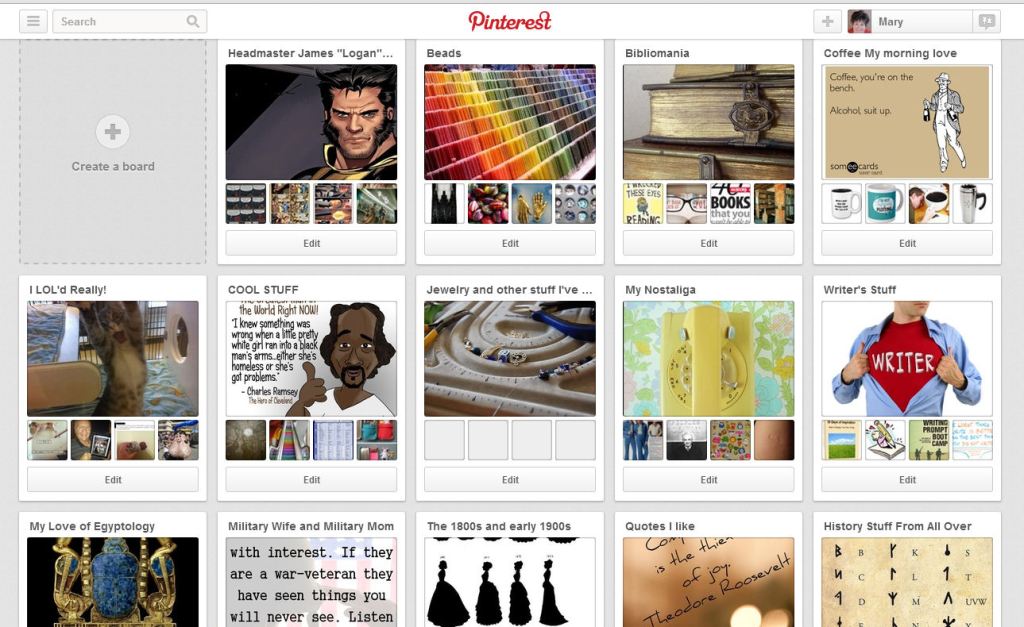
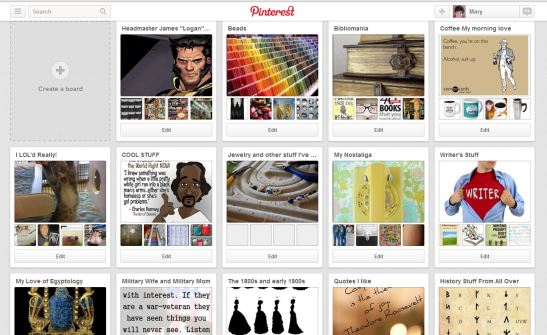
    Pintrest

    So it’s not like I’ve got enough to do…  I mean work is about to get swamped.  I’m flowing on a novel.  I’ve got jewelry projects out the wazoo.  Genealogy is only adding more people as I type this.  Summer is coming and that’s photography time for me…  BUT I needed one more thing to keep up with.  Yes, apparently I did.

    I know the internet can be a big help or a big time waster.  I do my best to keep up with Google+, Twitter, Flickr, favorite blogs, and writing here regularly.  So I’ve avoided Pintrest like the plague.  Not because I thought it was bad or any thing (like the evil Facebook) but just because I didn’t want another thing to keep up with.

    Then it happened.  I had all these visual references for this story I’m writing.  I was wanting a place to keep them so I could access them from any computer/device where I was writing.  That’s when a friend who shall not be named or blamed suggested using Pintrest for this. “But I don’t want them to be publicly seen as I’m working.”  That was my comeback but quickly they disarmed me “Oh but then you could make a secret board.  Then to access it from say your phone, netbook, desktop or any where just sign in.”

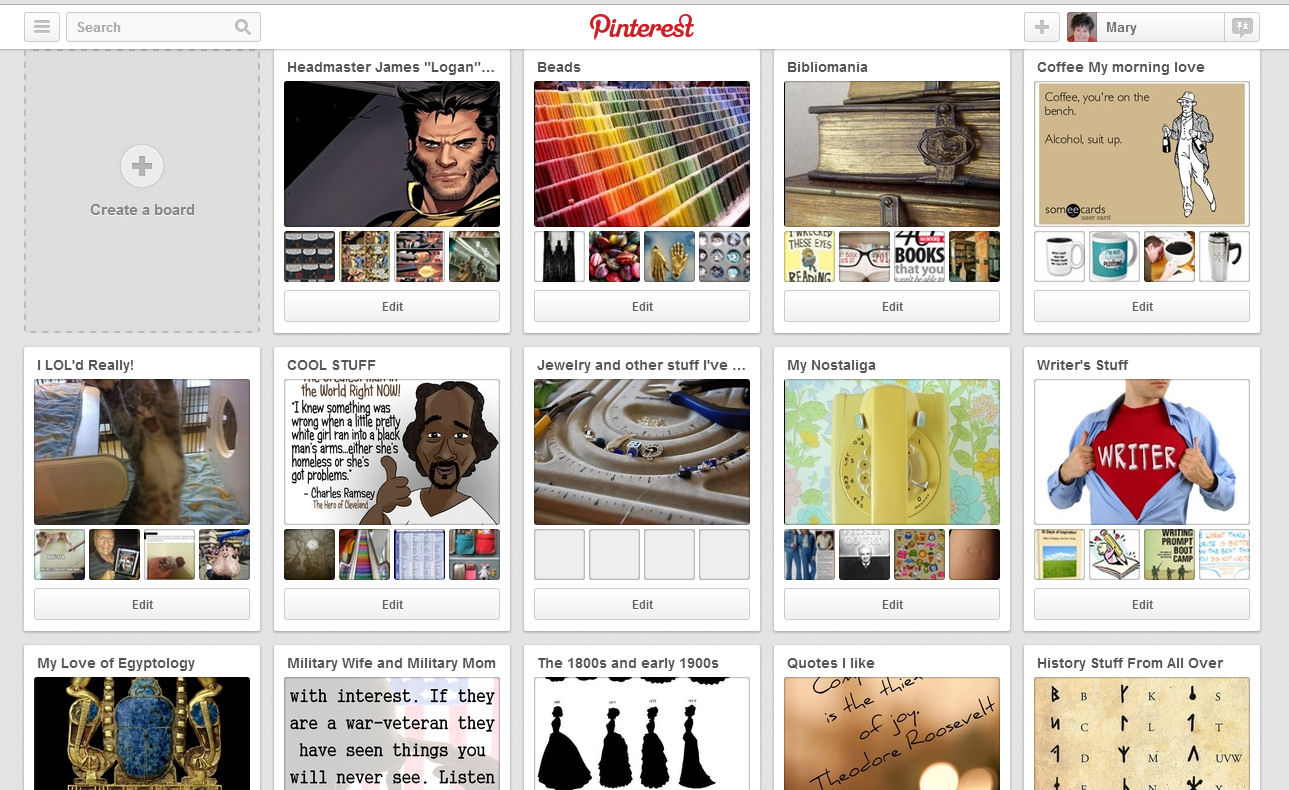
    So I did.  It’s great but then I thought well I should have a public board…  I made one to keep all my Wolverine links to images, scans, fan art, previews, etc.    So if one hobby has it why not the other – thus the bead board was born.   But wait!  I like books too!  and coffee,  and writing, and so on, and so on…. until it became THIS!

    Now part of my unwinding to go to bed is pinning stuff…  At least hop over there (link in the THIS above) and look around.  If you are Pinterest let me know and I’d love to follow you.  Now to make sure I don’t waste too much time there…

    Except there’s this great Logan over at Comic Art fans… I’ll just pin that…  .

    Until next time!
  • Alternate Text Field for an Image – SO THAT’S WHAT IT DOES!

    Alternate Text Field for an Image – SO THAT’S WHAT IT DOES!

    Again I’m learning things about WordPress as I work through my course.  I’m the geezer of the group by age and with the oldest blog.  So assignments that are related to doing things on our personal blog are much time intensive for me than others.  That’s okay I’m there to learn to do it right and correcting all my posts is part of the upgrade process.

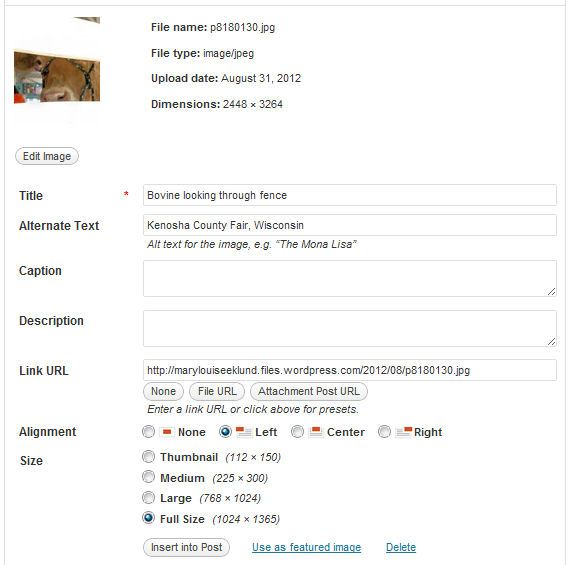
    I’d say we’re all familiar with the pop-up image menu that happens when you place an image in your post.  Here I’ll just grab a random image in my WordPress Media Library:

    Shows WordPress Image menu with all the fields

    I don’t know about you but I’ve always wondered just what Alternate Text and Description do. I know Title is what pops up when a mouse hovers over the image in a post.  I know caption shows beneath it when posted.  I didn’t know what the other two fields did.  Now I do.

    Description is for the back-end of the blog administrator’s information.  It tells them more about the image.  You can use it to note title of posts that use the image, more about the image than contained in the other fields, or whatever you want.

    However Alternate Text is another beast all together.  I’ve almost always left it empty until I learned its function.  There are three reasons it should be filled in:

    1. It is the descriptive text used by screen reading programs used by the visually impaired.  There are special programs for the visually impaired to aid their using the internet this field is picked up by those programs and read to the person.  It is intended to describe the image to them or provide more information than just the short title.
    2. This is one of the two fields search engines use to index images on a website.  Search engines pick up this and the title field to index an image.  Proper use of the Alternate Text field can increase the number of hits to your post.
    3. This displays in some countries when the user opts to turn off images.  Say you are somewhere you have a slow connection you may opt to turn off images then this text displays for the same reason the visually impaired screen readers look for it – it further describes the image to someone who doesn’t see it.

    Our assignment was to go through all our images contained in our post and ensure the Alternate Text field was completed.  For me that was over 108 posts with many images in each post.  I did it.  It took three days but I did get some description contained in the field that added to the title.  Not as much as I would like given the first reason up there.  But there are limits on my time and I figured something was better than nothing. I vowed to pay more attention to the field going forward.  I’ll try to give a description for the visually impaired of what the image contains.  I don’t know if it applies to any of my readers but if anyone needs it I want it to be complete.  Sure the search engine indexing is nice but to me the real reason to do a good job there is to provide a good experience for all my readers not just those with good eye sight.

    With that assignment  completed I’m starting my three-day weekend.  We are going car shopping.  Then we’ll find things to do around here and I’ll make pictures to share.  Have a great one folks!  Until next time!